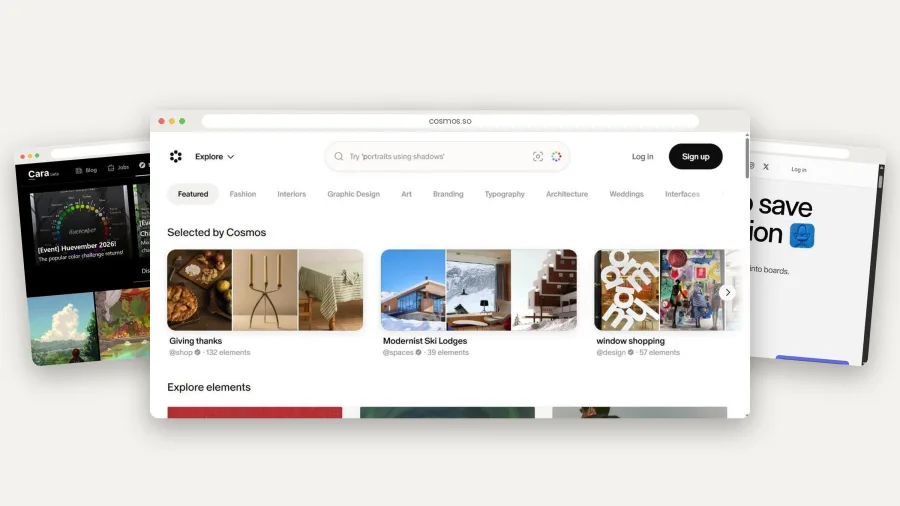
Updated November 2026: we checked every tool again, removed three that are no longer a good fit, added four new ones, and added a guide to Pinterest's new AI settings.
Since 2010, Pinterest has been the default moodboard for designers. It is still one of the biggest design tools for collecting ideas, from typography trends to packaging and full visual identity references. But over the last two years, more and more designers have started looking for Pinterest alternatives, and the main reason is simple: AI-generated images. Feeds in art, illustration, home decor and fashion filled up with pictures that look polished but were never drawn, photographed or built by anyone.
For a designer collecting real references, that is a problem. A moodboard full of things that cannot exist leads to briefs nobody can deliver. So we tested the apps like Pinterest that designers actually use. Below are the 9 we would recommend in 2026, with what each one costs, how each one handles AI content, and which kind of work it suits best.
Why Designers Are Looking for Pinterest Alternatives
Pinterest is still huge, and it is still useful for broad ideas. But three things are pushing designers elsewhere:
- AI images in the feed. Pinterest now labels some pins as AI modified and lets you see fewer AI pins in certain categories. It helps, but the labels depend on detection and image metadata, so a lot still slips through.
- Ads and shopping pins. A growing share of the feed is sponsored or links to products, which gets in the way when you are researching a style.
- A feed that repeats itself. Save one look and the algorithm shows you more of the same. At the start of a project you usually want the opposite.
Pinterest Alternatives at a Glance
- Cosmos: free (Premium $8/month), setting to hide AI images.
- Are.na: free for 200 blocks (Premium $7/month), ad-free, member-funded.
- Savee: free plan (Pro from $9/month), no ads, no algorithm.
- Cara: free, does not allow AI-generated art in portfolios.
- mymind: free for 100 saves (paid from $4.99/month), fully private.
- Milanote: free for 100 items (Pro $9.99/month), private boards.
- Eagle: one-time licence after a 30-day free trial, works offline.
- Dribbble: free to browse, no fully AI-generated shots allowed.
- Designspiration: free (Pro $5/month), search by colour.
1. Cosmos
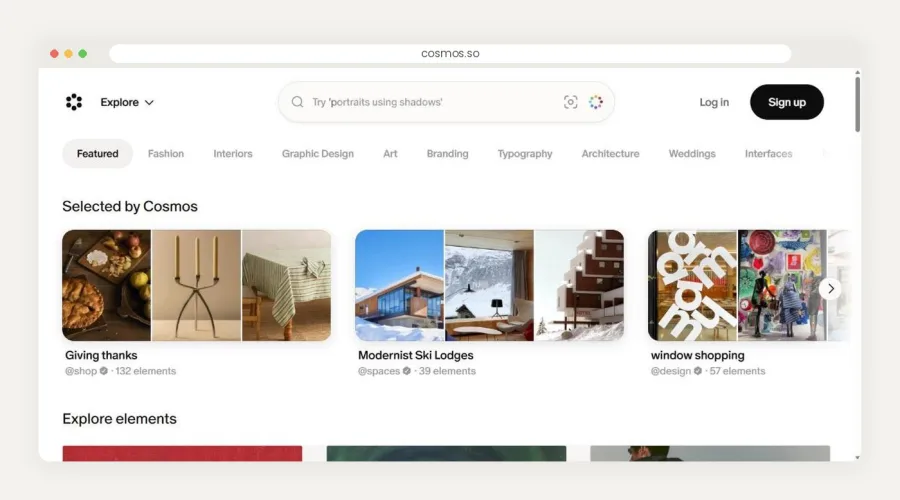
Cosmos is the closest thing to Pinterest without the noise. You browse a visual feed, save what you like into collections (Cosmos calls them clusters), and follow other people's taste. It is built around curation rather than shopping, so the feed feels much closer to what Pinterest was for designers ten years ago. It launched in 2023 and raised a $15 million funding round in January 2026.
Its most useful feature right now is the AI content setting: you can choose to show, blur or hide AI-generated images across the app. You can save from the web or the iOS app, and use the find similar search to explore a look further.
Best for: designers who want Pinterest's visual discovery without the AI clutter.
2. Are.na
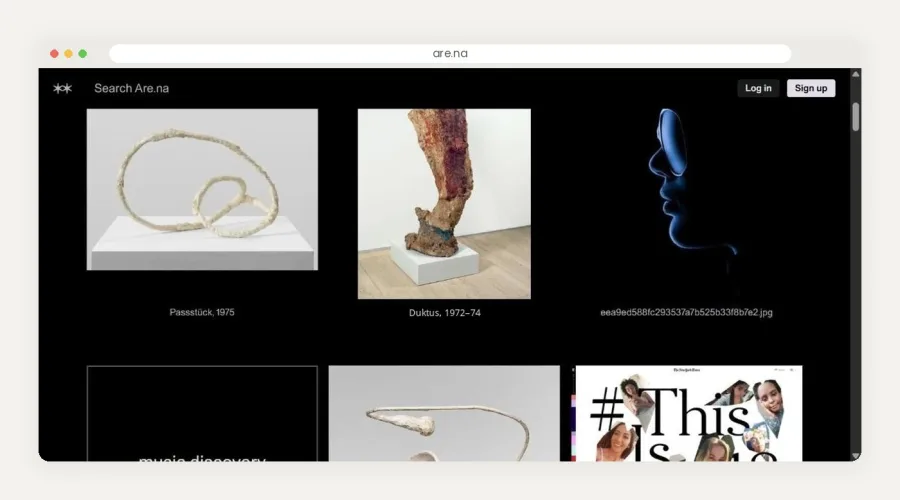
Are.na has been around since 2011 and is still independent, ad-free and paid for by its members rather than advertisers. Instead of an endless feed, you build channels of images, links, text and files, and connect them to other people's channels. It feels slower than Pinterest on purpose, which is exactly why researchers, artists and strategists love it.
It works especially well for the thinking stage of a project, such as naming, brand strategy and concept development, when you need to collect ideas that are not only pictures.
Best for: research-heavy projects and collecting ideas over months, not minutes.
3. Savee
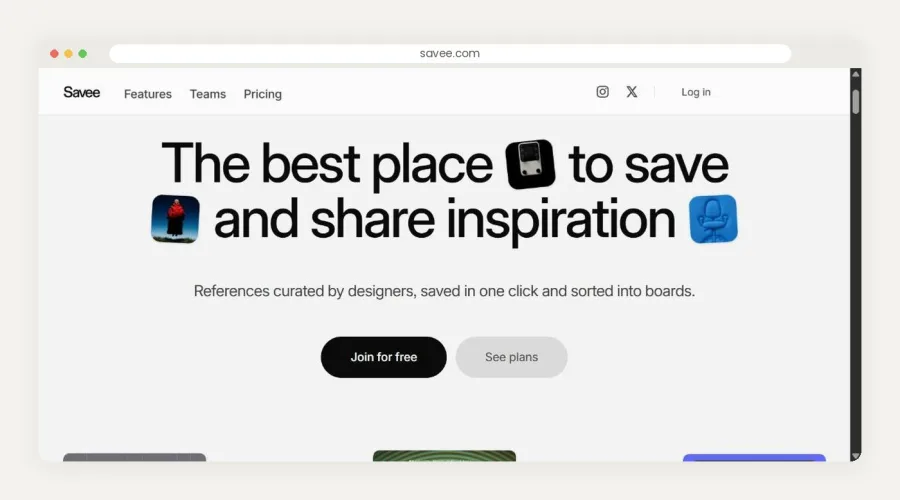
Savee is made by designers for designers. The feed is full of curated references, including typography, packaging, interiors, fashion and photography, and there are no ads and no algorithm deciding what you see. Saving takes one click with the browser extension or the mobile app. On the free plan your saves are public; private boards come with Pro.
If Pinterest used to feel like a studio's reference wall and now feels like a shopping mall, Savee is the closest way back.
Best for: a clean, design-only feed of high-quality references.
4. Cara
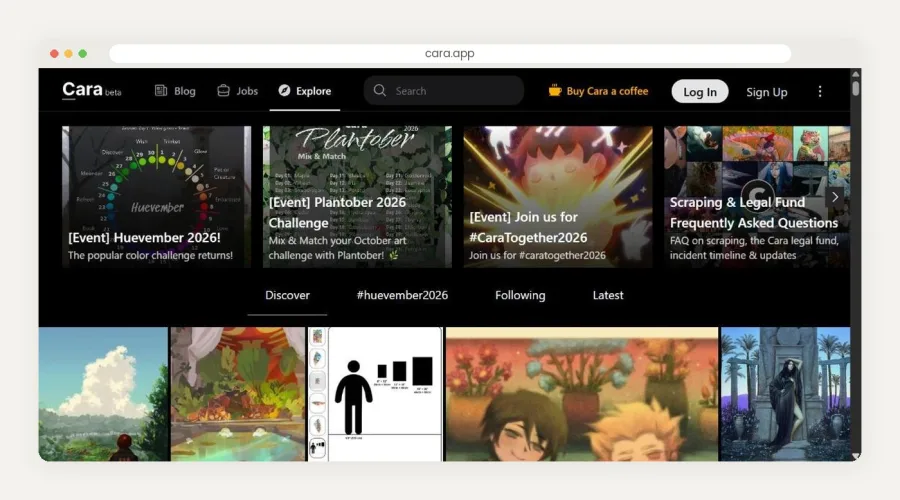
Cara launched in 2023 as a portfolio and social platform for artists, and it does not allow AI-generated images in portfolios. It grew quickly when artists left other platforms over AI training, and it now has a large community of illustrators, concept artists, animators and photographers.
Cara is less of a moodboard tool and more of a place to discover real artists. When you need illustration styles, character design or hand-made textures you can trust, it is the safest feed on this list.
Best for: human-made illustration, concept art and finding artists to commission.
5. mymind
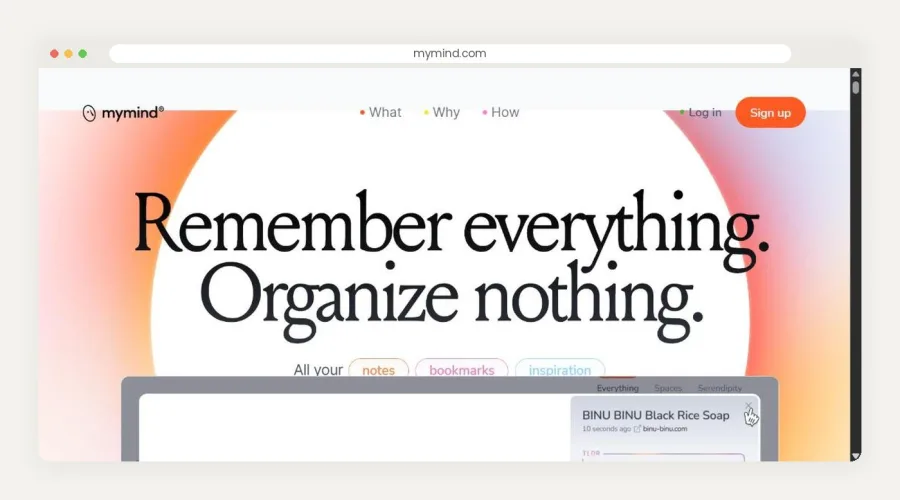
mymind is a private place to save everything: images, articles, quotes, products, notes and screenshots. Nothing is public, there is no social feed and there are no ads. It uses AI only on your own saves, to tag them automatically and let you search by colour, object or mood, so you never have to make folders.
It is not a discovery tool, because you only see what you save. But as a private home for everything that inspires you, it is one of the nicest apps around.
Best for: saving privately from everywhere and finding it again without organising.
6. Milanote
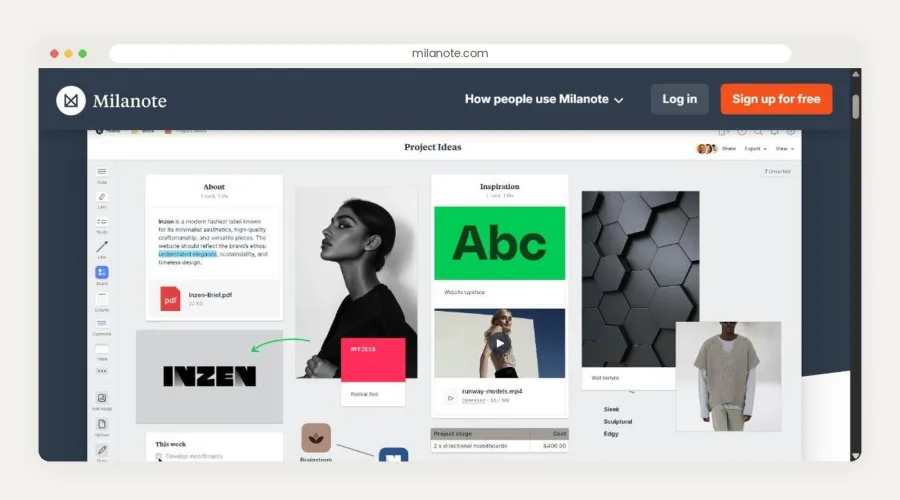
Milanote is less about finding ideas and more about arranging them. You drag images, notes, colour swatches, links and files onto a free-form board, so you can lay out a direction the way you would on a studio wall. Boards are private unless you share them, and clients or teammates can comment on them.
That makes Milanote one of the best tools for turning a pile of references into moodboard examples you can actually present.
Best for: building and presenting moodboards for client projects.
7. Eagle
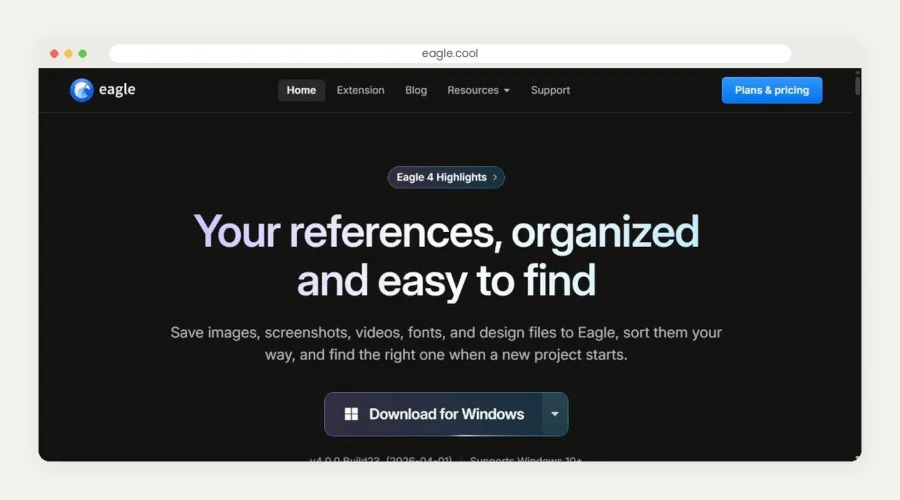
Eagle is a desktop app for Windows and Mac that keeps your reference library on your own computer. It handles images, videos, fonts, PDFs and design files, and lets you tag them, filter by colour and find anything in seconds. There is no feed and no ads, and your files stay yours, even offline.
Best for: designers with years of saved references who want them organised in one place.
8. Dribbble
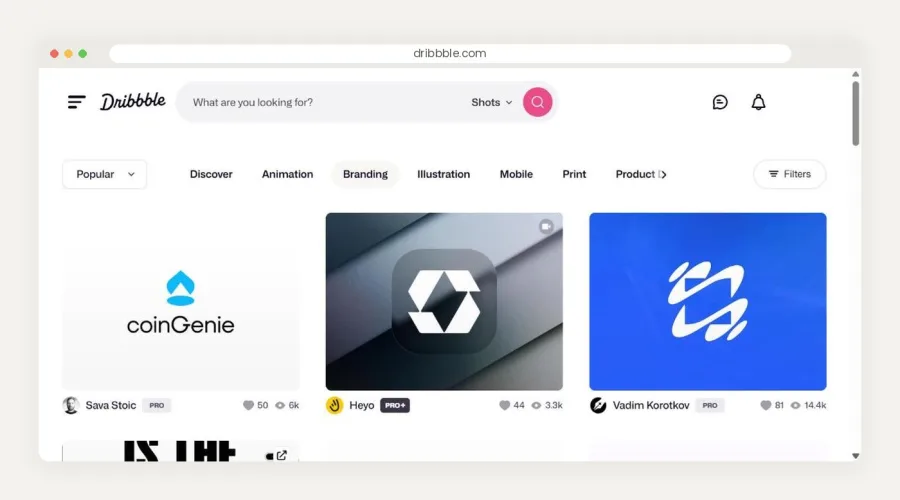
A staple of the design community since 2009, Dribbble is where designers post logos, brand identities, UI and illustration. Because the work comes from designers you can hire, it is grounded in real projects, and Dribbble does not allow shots that are 100% AI-generated. If AI helped, designers are asked to say so in the description. The feed still mixes in some concept work, so treat it as a place for ideas rather than proof that something was built.
Best for: polished inspiration for logo design, brand identity and UI.
9. Designspiration
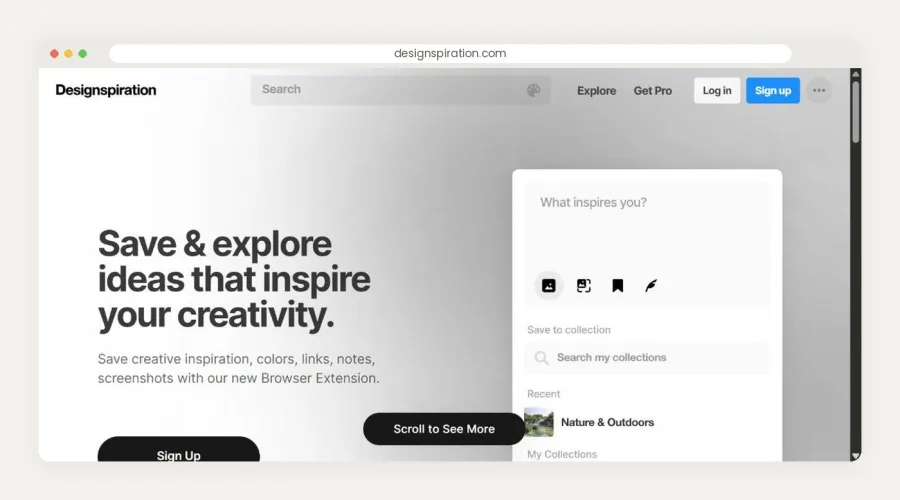
First launched in 2010, Designspiration is still one of the best places to search design by colour. Pick the colours you are working with and it shows you work that matches the palette, across typography, photography, packaging and branding.
Best for: finding references in a specific colour palette.
Staying on Pinterest? How to See Fewer AI Pins
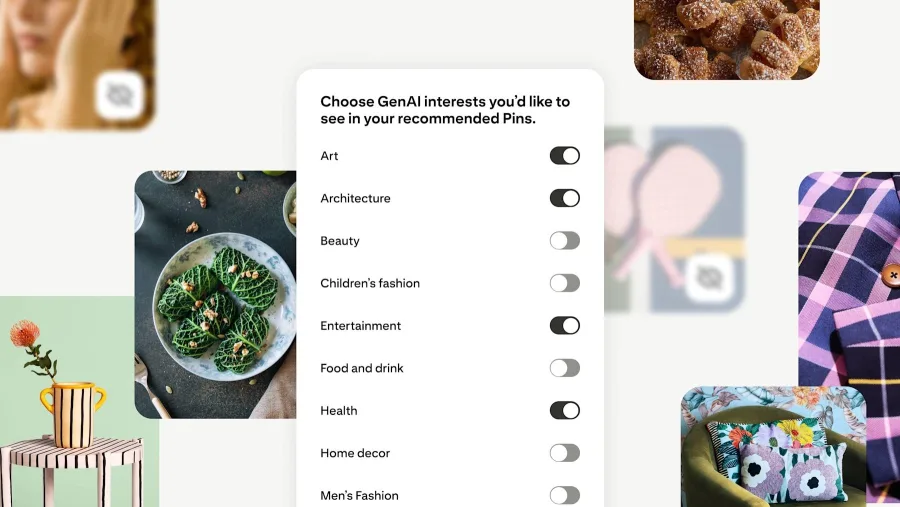
If you still use Pinterest, two recent updates help:
- AI labels. Since April 2025, Pinterest adds an AI modified label to pins it detects as made or edited with AI.
- AI controls. Since October 2025, you can choose to see fewer AI-generated pins in categories such as art, architecture, beauty, fashion, home decor and food. Go to Settings, then Refine your recommendations, and switch off the GenAI interests you want cleaner. You can also tap the three dots on a pin to see fewer like it.
Neither removes AI content completely, because both depend on Pinterest detecting it in the first place. For a feed you can trust, a curated tool like Savee or Cara is still safer.
Is Instagram a Good Pinterest Alternative?
Instagram is where many designers and studios post their newest work first, so it is great for following people whose taste you trust. You can also save posts into named Collections, which work like simple private boards.
But as a replacement for Pinterest, it has the same problems, often stronger. The feed is run by an algorithm, ads appear throughout, and AI images are common, with Meta's AI info label showing only when the AI is detected or declared. You also cannot save images from other websites into it. Our advice: use Instagram to follow designers, and one of the apps above to collect and organise your references.
How to Choose the Right Pinterest Alternative
- You want a Pinterest-style feed with less AI clutter: Cosmos or Savee.
- You want only human-made art: Cara.
- You are doing deep research: Are.na.
- You want to save privately: mymind or Eagle.
- You need to present a moodboard to a client: Milanote.
- You are looking for logo and UI ideas: Dribbble or Designspiration.
A good setup is usually two tools: one to discover and one to organise. For example, Cosmos or Savee for finding ideas, and Milanote or Eagle for keeping and presenting them.
Frequently Asked Questions
What is the best app like Pinterest for designers?
For most designers, Cosmos is the closest replacement, because it works like Pinterest and lets you hide AI images. Savee is the best curated feed, and Are.na is the best for research.
Is there a Pinterest alternative without AI images?
Cara does not allow AI-generated art in portfolios, and Cosmos lets you hide AI images. Savee's feed is curated by designers. No platform can promise a feed that is 100% free of AI, but these come closest.
Are these Pinterest alternatives free?
All of them except Eagle have a free plan or are free to browse. Eagle is a one-time purchase after a 30-day free trial. Paid plans on the others mainly add more storage, private boards or team features.
Should I stop using Pinterest completely?
Not necessarily. Pinterest is still good for broad ideas and for seeing what people search for. Many designers keep it for quick browsing and use one of these tools for serious project research.
From Inspiration to a Real Brand
The right inspiration tool makes a project start faster, but references are only the beginning. Turning them into a visual identity that works for a real business is the hard part. If you are planning a new brand, logo or packaging, talk to Brandlic.
Comments
Leave a reply
Your email address will not be published. Required fields are marked *